
The Hidden Stress of Disorganized Paperwork
Piling up loan agreements and insurance papers in random drawers creates a silent daily friction that most people ignore until an emergency hits. Setting up a streamlined digital vault takes less than an hour, yet it completely eliminates the panic of hunting for missing legal paperwork. When your financial agreements are scattered everywhere, daily life becomes unnecessarily stressful. You worry about missing a deadline, misplacing a contract, or failing to find a crucial paper when an emergency strikes.
People often struggle to fix this mess because they lack a clear, repeatable system.
- Many rely on random desktop folders or messy shoe boxes.
- Misinformation online leads them to buy overly complex software they never use.
- Poor guidance causes people to give up before they even establish a basic filing routine.
This endless cycle of disorganization chips away at your peace of mind.
- You constantly feel like you are forgetting something important about your money.
- The clutter creates low-grade anxiety that shadows your financial confidence.
- Not knowing where your agreements are makes you feel unprepared for life's sudden turns.
Taking control of your records changes everything. When you build a structured digital space, your mind clears up instantly. You stop wasting time hunting for papers and start feeling genuinely secure about your future.
Key Takeaways at a Glance:
- Audit First: Gather all physical and digital agreements into one central pile before sorting.
- Keep it Simple: Build a shallow, intuitive folder structure that takes less than three clicks to navigate.
- Name Consistently: Use a strict naming convention (e.g., date, institution, document type) for every saved file.
- Secure and Backup: Utilize zero-knowledge encryption and set up automated background syncing.
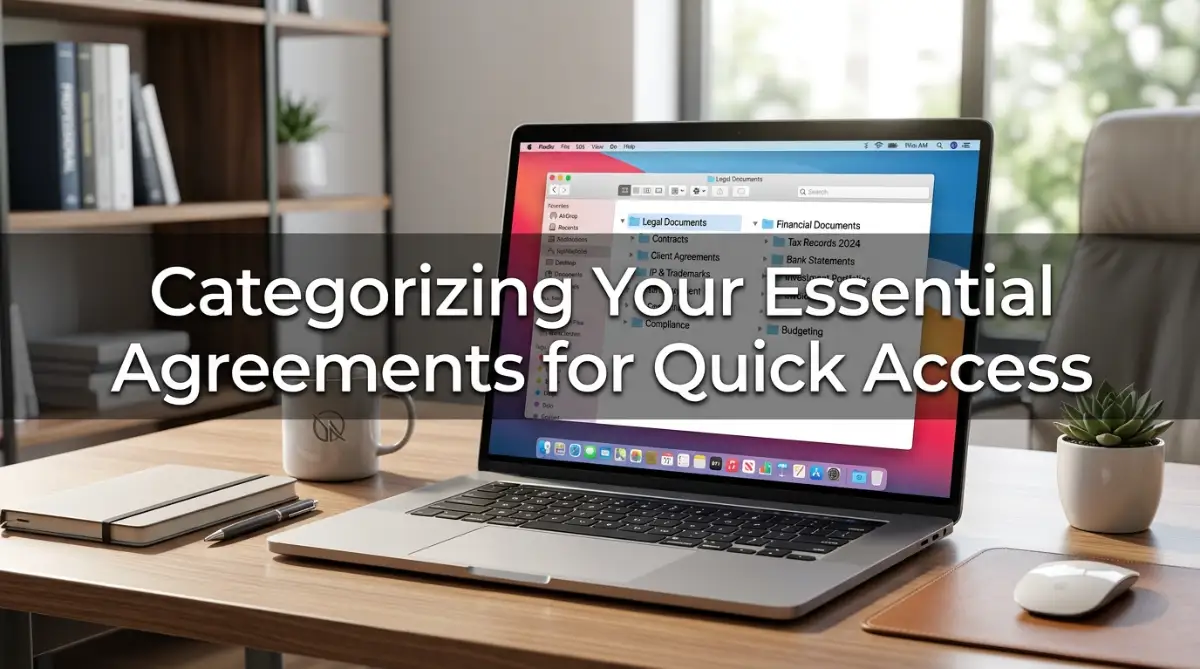
Building Your Secure Digital Archive
Step 1: Audit and Gather All Physical and Digital Paperwork
Before you organize anything, you need to know what you actually own. Walk through your home and collect every single financial agreement you can find. Check your desk drawers, filing cabinets, and even old email inboxes. Pull out loan contracts, insurance policies, investment papers, and property deeds into one central pile.
Step 2: Establish a Master Folder Structure That Makes Sense
Now that you have your documents gathered, you need a digital home for them. Create a primary folder on your secure cloud drive and name it something simple like "Financial Vault."Inside that master folder, set up broad category sub-folders. Use names like Banking, Loans, Investments, Insurance, and Real Estate. Keep the structure shallow so you can find any file within three clicks. A good system should feel intuitive, meaning anyone you trust could navigate it if they had to.
Step 3: Adopt a Consistent File Naming Convention

Having folders is only half the battle if your files inside look like random gibberish. Stop saving documents with default names like "Document_Final_2026.pdf". Instead, adopt a strict naming formula that includes the date, the institution, and the document type. For example, use "YYYY-MM-DD-BankName-LoanAgreement.pdf". This tiny habit ensures your files always stay sorted chronologically by name. When you search for a specific paper later, it will appear right where you expect it.
Quick Structure Blueprint Example:
- 01_Banking & Checking
- 02_Active Loans & Mortgages
- 03_Insurance Policies (Life, Health, Auto)
- 04_Real Estate & Property Deeds
Step 4: Implement Multi-Layered Security and Encryption Protocols
- Here is a quick comparison of cloud safety protocols you should check before storing sensitive records:
- Zero-Knowledge Cloud: Only you hold the decryption keys; the provider cannot read your files.
- Standard Cloud Storage: Convenient, but the company holds the decryption keys on their servers.
A digital vault is useless if it is vulnerable to prying eyes or data theft. Move your master folder to a reputable cloud service that offers zero-knowledge encryption. Enable two-factor authentication on every account connected to your financial archive. This adds an extra barrier that keeps hackers completely locked out. Think of these security steps like installing heavy deadbolts on your front door. You want to make sure your private agreements remain strictly private.
Step 5: Schedule Regular Maintenance and Backup Routines
Creating your digital vault is a one-time project, but maintaining it is an ongoing habit. Set a recurring calendar reminder every three months to review your files. Delete old expired contracts, update revised insurance policies, and check your backup drives. Consistency is what separates a messy digital desktop from a true financial vault.
Advanced Strategies for Long-Term Digital Vault Success
Setting Up Smart Automated Backups for Peace of Mind
Manual uploads are great, but human memory is never completely foolproof. You want to set up automated background syncing so your changes save instantly. When you sign a new mortgage or auto loan, upload it straight to your cloud app. The system will copy it to your encrypted local hard drive without you lifting a finger. Think of this like an automatic savings plan for your important paperwork. You set the rules once, and the background process handles the heavy lifting safely.
Designing a Trusted Emergency Access Protocol
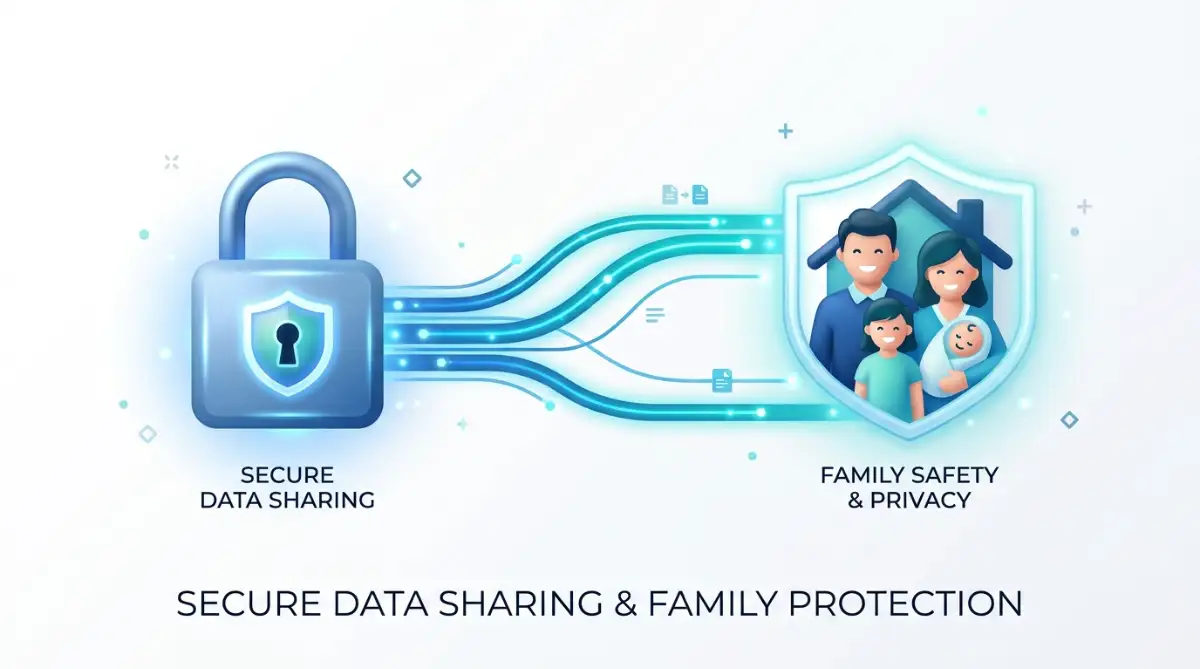
Your digital vault does not help your family if they cannot open it when disaster strikes. You need to assign a trusted digital beneficiary or share an emergency decryption key. Write down your master access instructions and place them inside a secure physical home safe. Make sure your spouse or legal executor knows exactly where to look if something happens to you. Imagine leaving a locked house key under the doormat, but for digital records. You want the right person to enter easily only when an absolute emergency occurs.
Conducting Annual Audits to Keep Your Files Lean
Your financial life changes every year as old accounts close and new ones open. Block out one afternoon each year to prune your digital folder structure. Delete expired warranties, archive closed bank statements, and verify your cloud storage limits. Keeping your archive clean stops it from turning into a digital junk drawer. An annual review acts like spring cleaning for your personal assets. It keeps your digital workspace light, fast, and completely stress-free.

Costly Pitfalls to Avoid When Organizing Your Agreements
Relying Solely on Local Device Storage Without Off-Site Backups
Many people save all their important agreements on a single laptop desktop folder. If that laptop crashes or gets stolen, every single contract vanishes forever. You must always keep a secondary backup copy stored safely in the cloud. Relying on one physical machine is a massive risk you should never take.
Using Weak Passwords or Reusing Credentials Across Vaults
Some users try to save time by using the same simple password for their email and their financial vault. If a minor website leaks your password, hackers can easily crack open your money files. Always use unique, complex passphrases paired with a dedicated password manager. Protecting your core financial agreements requires the strongest digital locks available.
Neglecting to Inform Family Members About Document Locations
Keeping your system a total secret from your loved ones creates a logistical nightmare during a crisis. If you pass away suddenly, your family will waste precious days searching blindly for account logins. Always maintain transparent communication channels with your household members. Share your folder layout so they can find crucial papers immediately.
Failing to Convert Paper Paperwork into Clear Scans
Leaving important legal agreements as loose paper sheets scattered in folders leaves them vulnerable to fires or floods. You must convert physical texts into clean, searchable digital copies. Use a proper mobile scanning app rather than taking dark, blurry photos with your phone camera. Clear scans ensure you can read every single legal clause without straining your eyes.
Ignoring Regular Software Updates and Security Patches
Some users ignore security update alerts on their cloud storage apps or operating systems. Outdated software often contains hidden security bugs that malicious actors love to exploit. Always install updates as soon as your device notifies you. Staying current is your best defense against modern online threats.
Mastering Your Financial Future Through Order
Taking charge of your digital agreements changes how you interact with your money every single day. You no longer feel that lingering dread when tax season or loan renewal periods roll around. Every document sits neatly in its proper digital home waiting for your command. This clarity builds deep psychological confidence that spreads into other areas of your life. Start building your secure digital system today, even if it is just one folder at a time. Your future self will thank you for taking this simple, powerful step toward total financial peace.